
A Fransat decoder that freezes on a black screen, loops on a download message, or can no longer find its channels after a power cut: this situation is common and rarely serious. Before contacting customer support or replacing the equipment, a reset is usually enough to restore reception. However, it is essential to choose the correct procedure, as not all Fransat decoders offer the same type of reset.
Partial reset or factory reset Fransat: two distinct procedures
The standard manuals describe a single action: returning to factory settings. Since 2023, several recent models (notably the SEDEA SF-4400 4K UHD) include a partial reset option. This procedure clears the channel list and network settings but retains the access card configuration and parental control settings.
The distinction is important. A complete factory reset deletes everything, including parental preferences and any pairings with an external hard drive. For a simple issue of missing channels or disrupted sorting, a partial reset is preferable.
If you are looking to understand how to reset a Fransat decoder based on your specific model, the relevant menu is usually found in the “Advanced Settings” or “Installation” section of the decoder’s interface. The titles vary from one manufacturer to another, making it almost essential to consult the manual for the exact model.
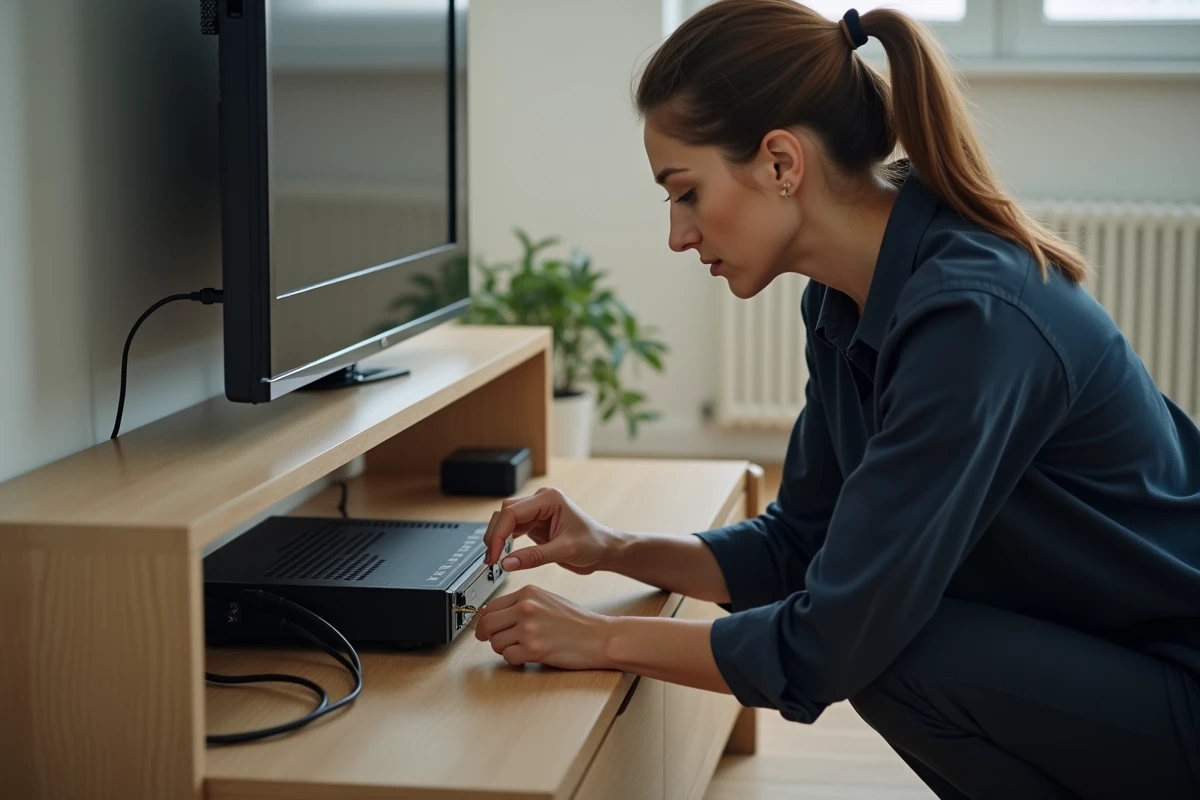
Check satellite alignment before resetting a satellite decoder
Resetting a decoder on a poorly aligned installation is the most common trap. After a factory reset, the decoder initiates a channel search on the satellite. If the satellite dish is no longer correctly pointed at the 5° West position, no channels will be found, and the decoder will seem permanently out of service.
Fransat’s official recommendation is clear: check the alignment before any reset. Since the switch from the EUTELSAT 5WA satellite to EUTELSAT 5WB (completed at the end of 2020 but still causing shifts on some older installations), dishes installed several years ago may have slight misalignments that went unnoticed during normal operation but become problematic after a factory reset.
Signs of a pointing issue
- The decoder displays “No signal” or a quality bar at zero during channel search, even in clear weather
- The reception was partially working before the reset (some channels available, others not)
- The installation is several years old and has never been checked since the migration to EUTELSAT 5WB
In these cases, the reset is not the issue. The problem is mechanical, and a readjustment of the dish (or using the Fransat Assistance app on a smartphone) should precede any software manipulation.
Stuck on “Downloading” after Fransat reset
A decoder that remains stuck on a download screen after a reset often causes concern. In practice, this behavior is normal. The reset forces an automatic software update via satellite if a newer firmware version is available.
This update can take several minutes. During this time, the decoder does not respond to the remote control or the power button. Cutting the power at this stage risks corrupting the internal software and rendering the device truly unusable.
What to do during the update
The only recommended action is to wait. Fransat indicates in its support FAQ that the download phase may seem finished while the installation continues in the background. Do not unplug the decoder until the home screen is displayed.
If the freeze persists beyond thirty minutes, a power cycle (unplugging, waiting about thirty seconds, plugging back in) may restart the process. Field reports show that this prolonged freeze occurs more often on older models whose processors handle large updates less effectively.
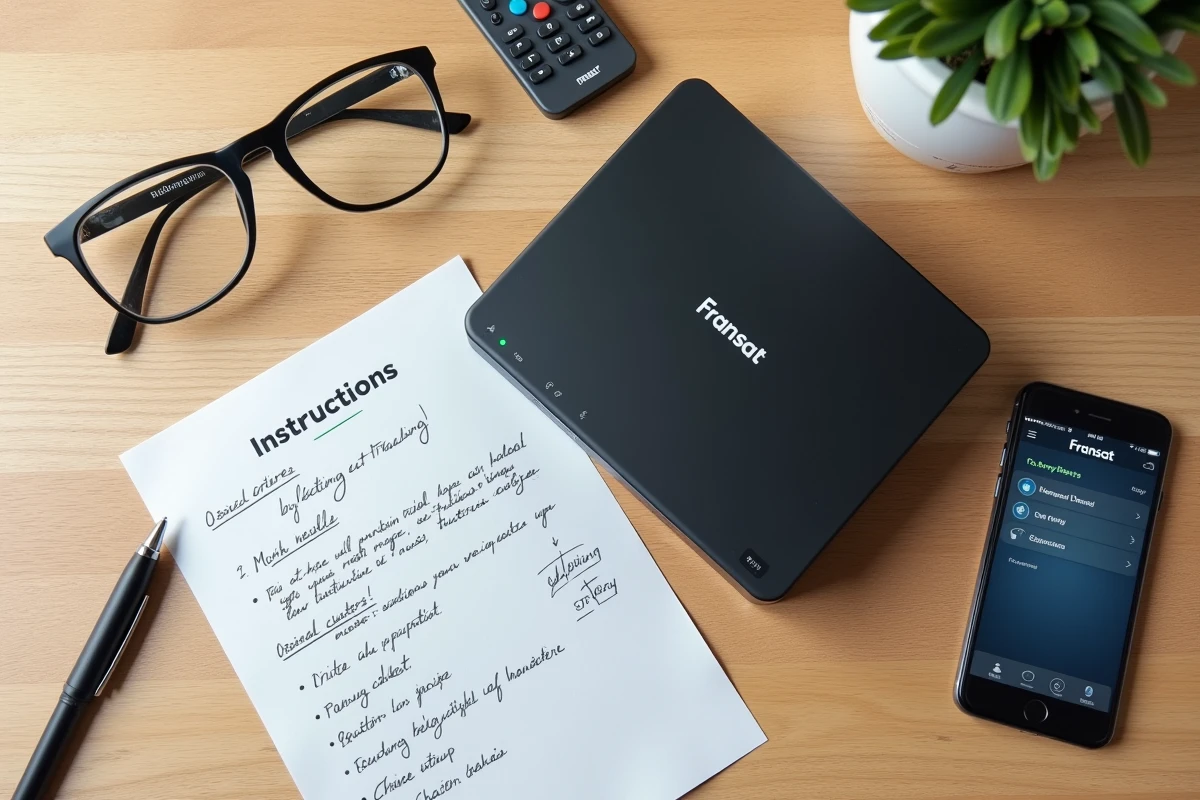
Step-by-step procedure for a complete factory reset of the Fransat decoder
If the partial reset does not resolve the issue, or if your model does not offer it, the factory reset remains the reference method.
- Access the main menu of the decoder via the remote control, then look for the “Installation,” “System,” or “Advanced Settings” section depending on the model
- Select “Factory Reset” or “Return to Factory Settings,” then confirm. The decoder will restart automatically
- On the first restart, the installation wizard will trigger: language selection, channel search, insertion or recognition of the Fransat card
- If a software update is detected, allow it to finish without cutting the power
On some decoders without an accessible menu (complete black screen, remote control not recognized), the only option is to unplug and replug. Unplug the power cord, wait about thirty seconds, then plug it back in. This action does not constitute a true factory reset, but it forces a cold reboot that is sufficient to resolve most software freeze situations.
Fransat card and reset
The smart card (or CAM card) is not affected by a factory reset. Its access rights are stored on the card itself, not in the decoder’s memory. However, if the card is poorly inserted or oxidized, the reset decoder will not find the pay channels. Cleaning the contacts with a dry cloth before reinserting eliminates this common cause of false diagnosis.
Most Fransat decoder freezes can be resolved with these combined checks: dish alignment, appropriate reset type, patience during the satellite update. When the problem persists despite everything, the customer service of the decoder’s manufacturer (and not Fransat directly) remains the contact to reach, as each manufacturer manages its own return and replacement procedures.